
If you're reading this, you're probably an early supporter and I wanna thank you once again for giving TimeIvy a try while it was still in ugly alpha. I'm aware it's still lacking a few features, but little by little it's getting closer to a better product, hopefully useful to you. So, thank you! 🙏
Here a few of the features and fixes in this new version!
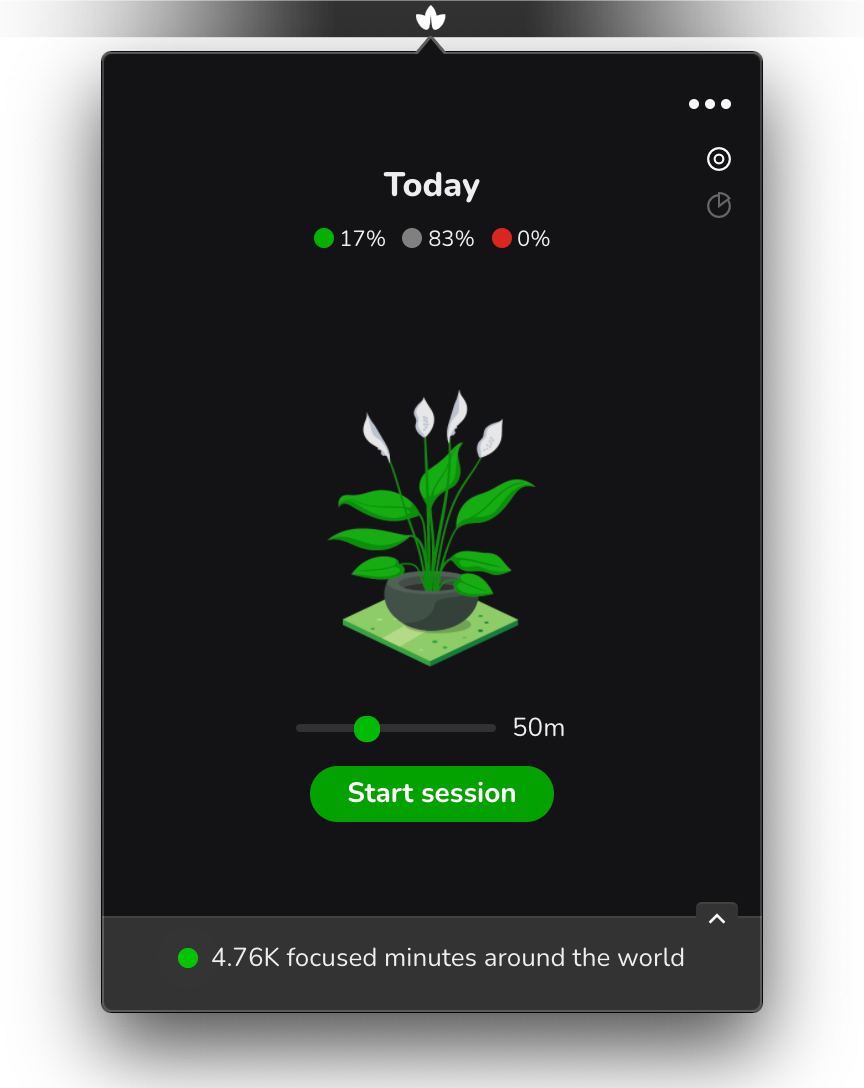
Easier on the eyes. Automatically adjusted based on your Mac System Preferences. Or your own.
Who said plants can't grow in the dark? ;)
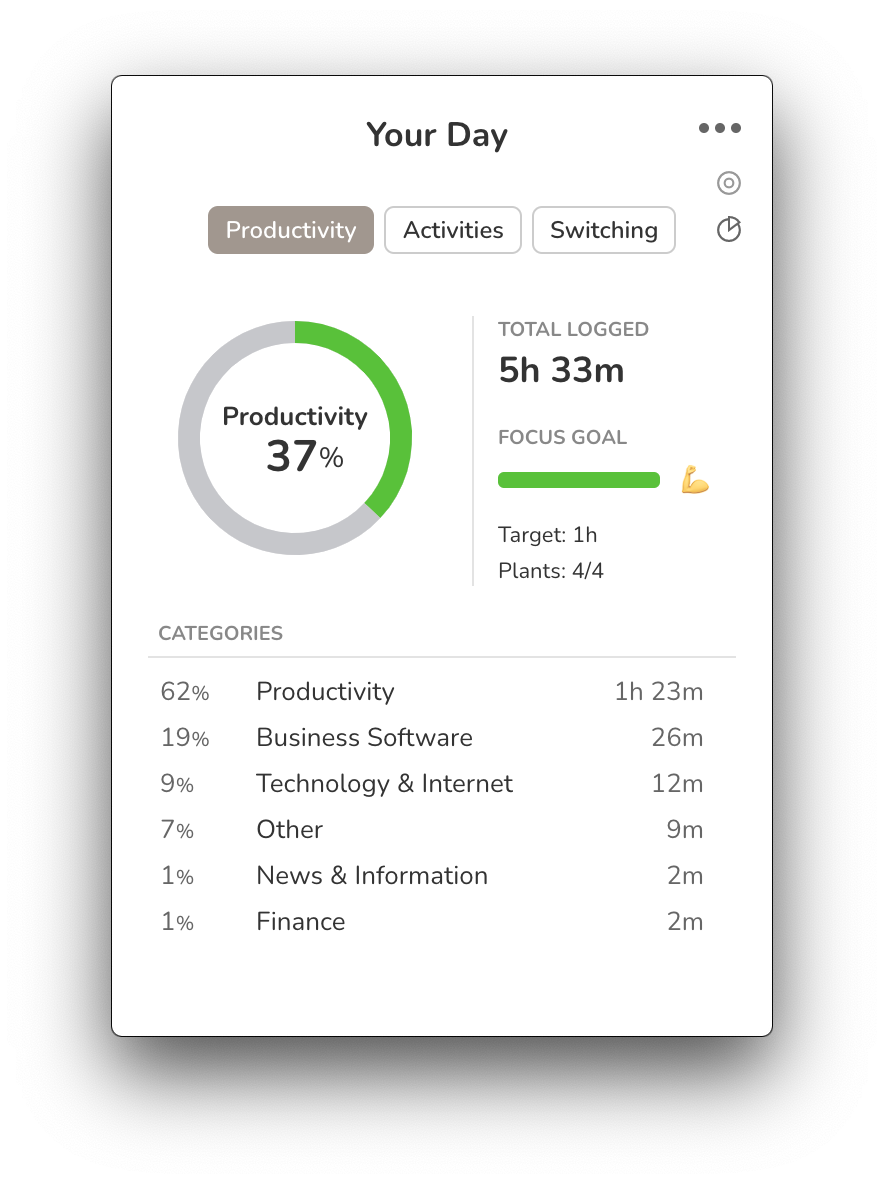
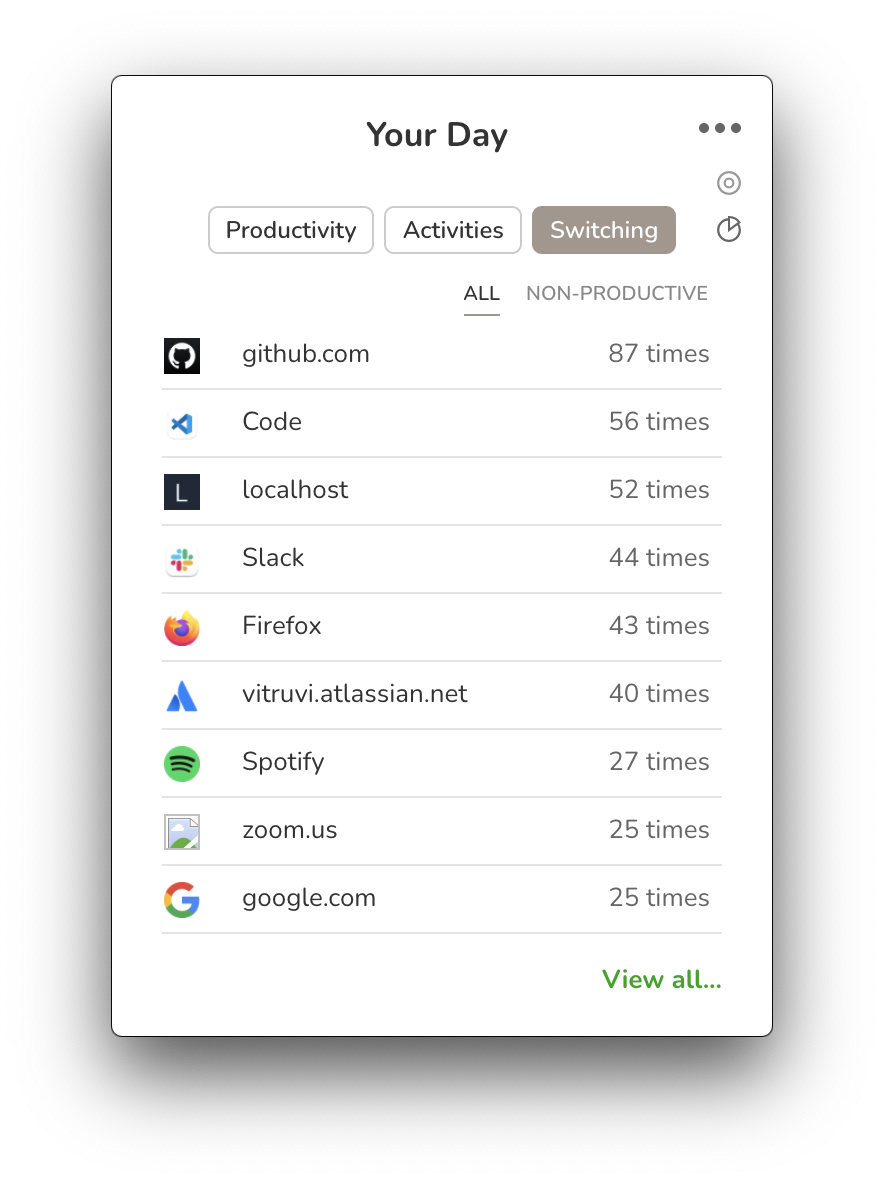
You'll notice that now there are many more insights available to you with just one click, on the app itself. So it's easier to know how your day is going at a glance any time of the day.
Note: I'm planning to phase away the web app, where most of the stats are at the moment, so the whole experience happens on the app itself and I can focus on one less codebase.

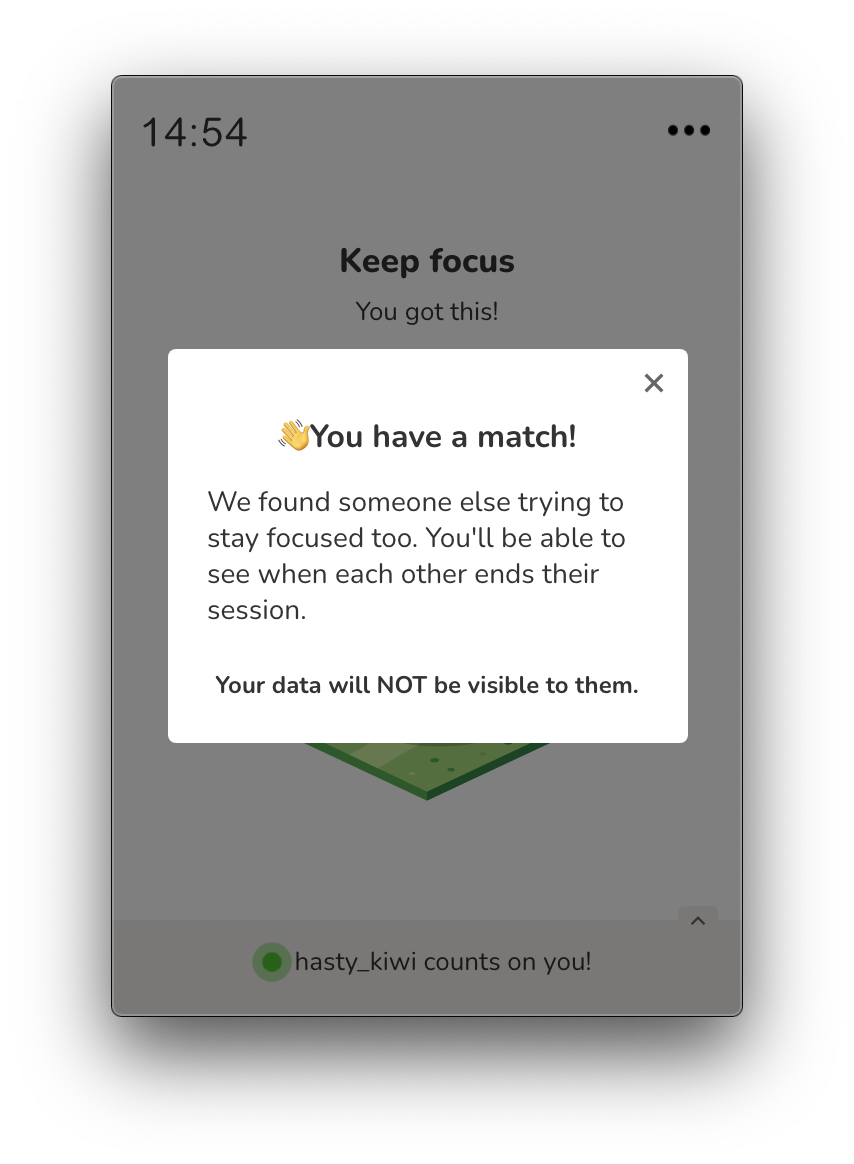
Staying focused alone is hard. So one of the plans is to make TimeIvy more fun and easy to stay accountable with the help of a community of like-minded people.
As an intro to this, now you can randomnly match other users that are in a focus session somewhere around the world. Of course, there are only a few users, but it'll get better as more people join.
WHAT'S COMING: Paired focus sessions, ie. a video-call with someone, right in the app, so you can focus together. Stay tuned!
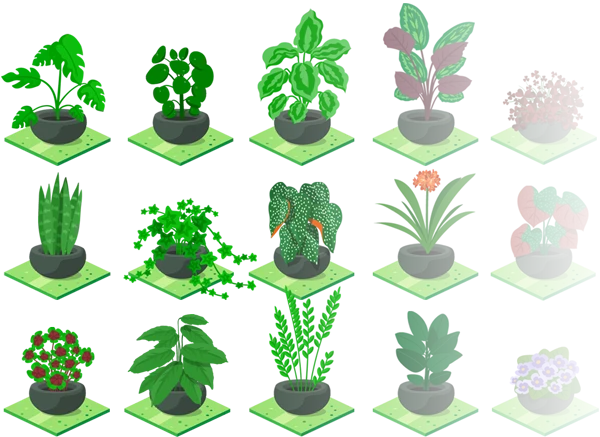
I know, there were only 3 so far (boring!). But now there are 24 plants available, and I'm adding new ones each week.

It's not the same checking your email 30 min, twice a day than 60 times for 1 min throught the day. Identify your current habits and learn to maximize your productivity.
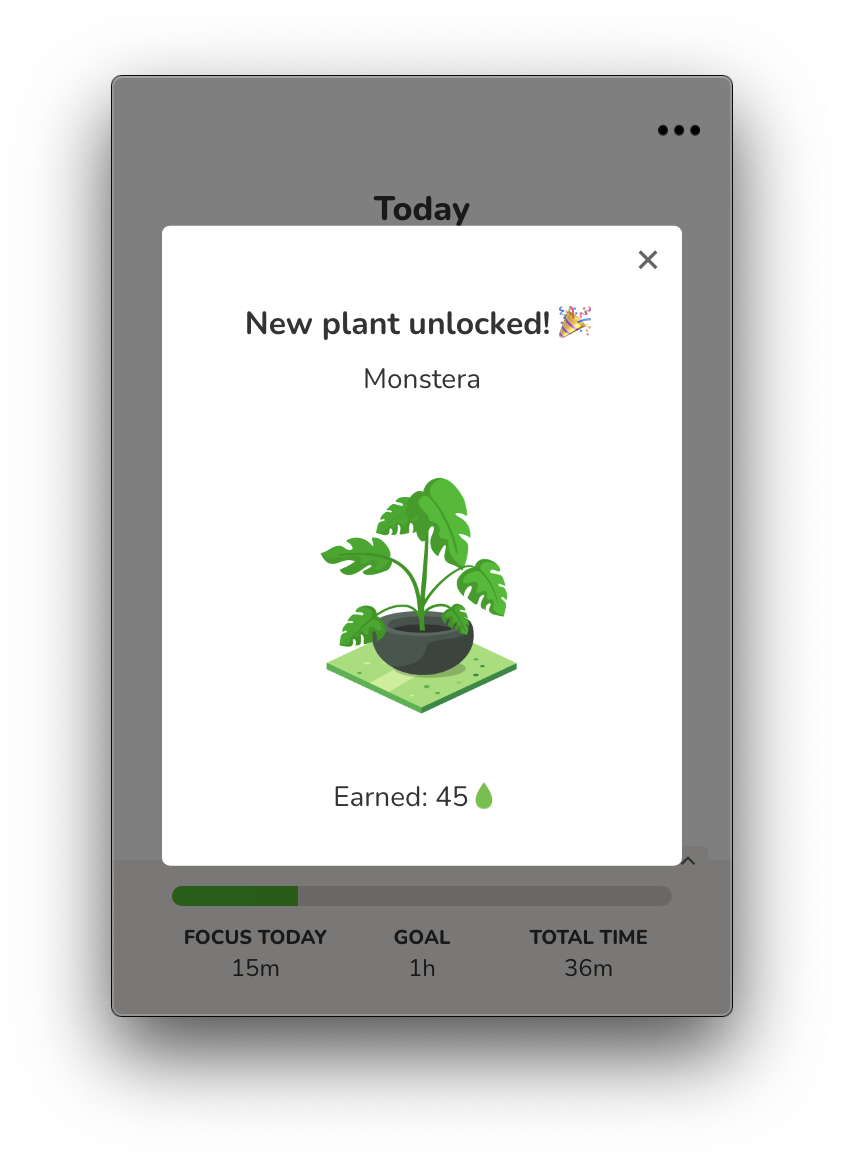
You'll also notice that you now also earn points whenever you finish a session (hint: this is just the beginning of what's coming up ;)

20 min of social media is enough for a day. Or not. Create daily limits and get reminders when you hit them so you are always in control.
That's it for now. Happy to hear your thoughts!
Copyright 2021 TimeIvy.com